
MySimpleList
MySimpleList
Everything you need to know to get the most out of your lists.
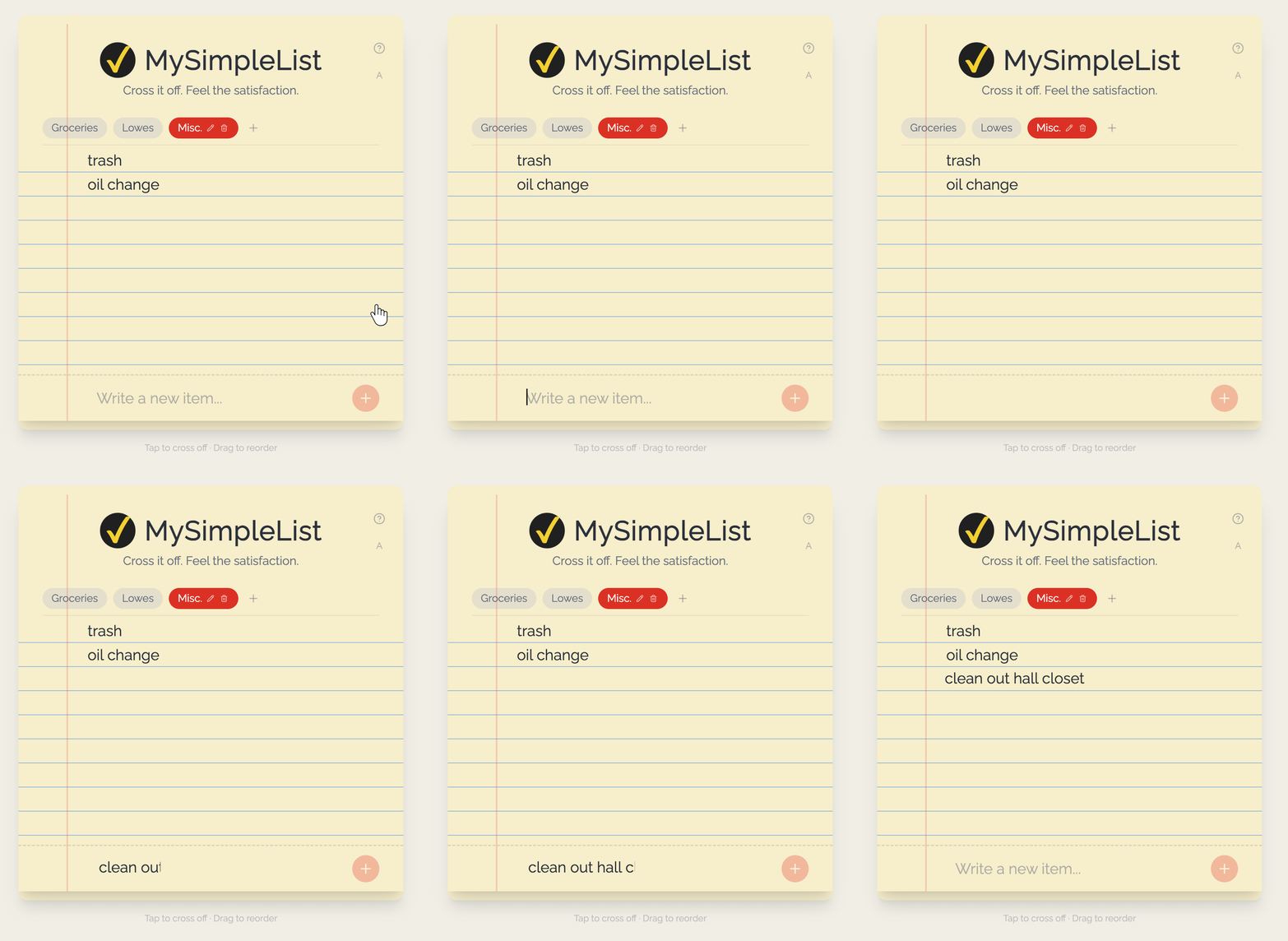
Type in the box at the bottom of the pad and press Enter (or tap the + button) to add a new item.
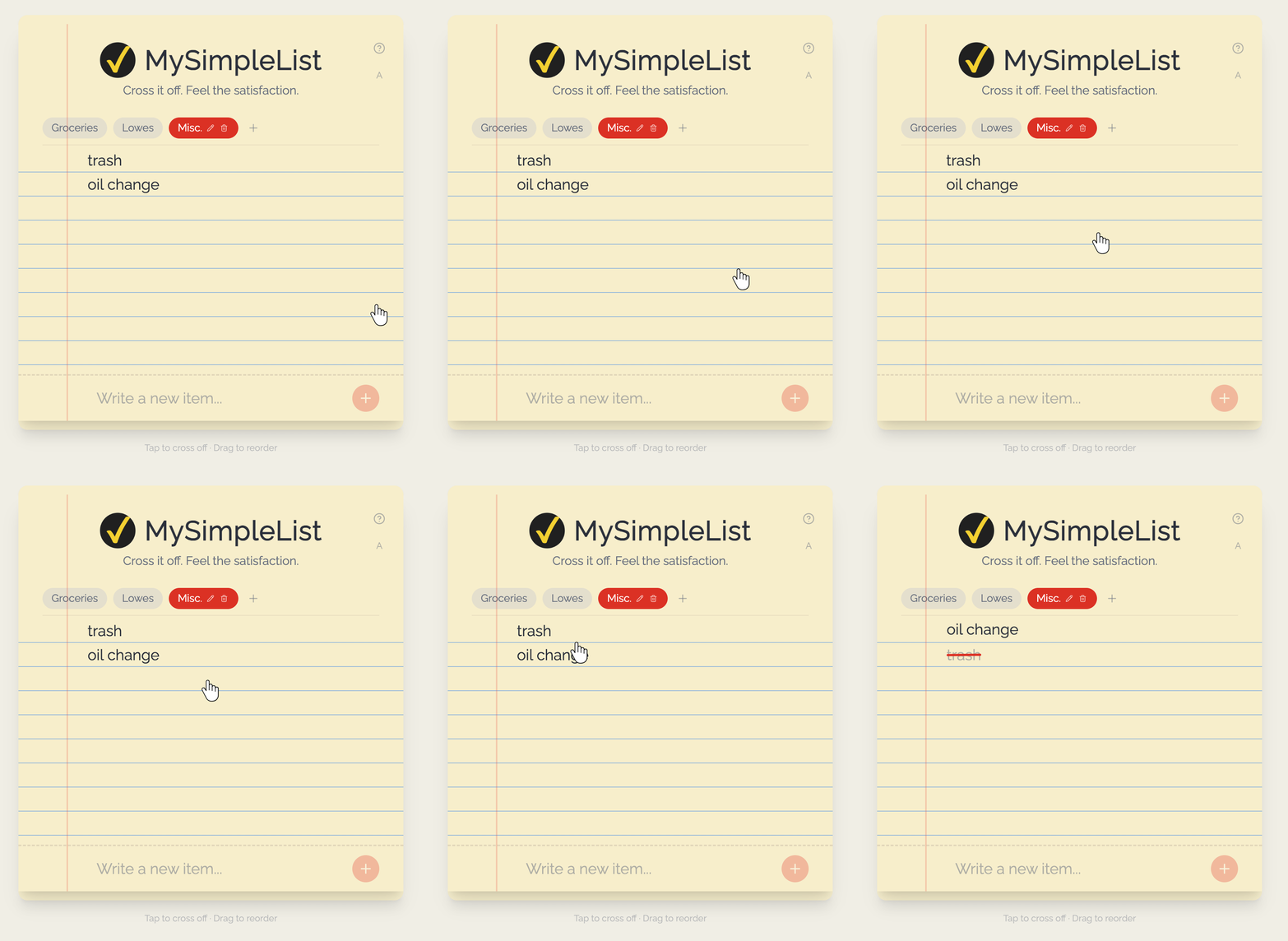
Tap any item to strike it through with a satisfying red line. Tap again to uncheck it.
Hold and drag the grip handle on the left of any item to rearrange your list however you like.
Hover over (or long-press on mobile) an item to reveal the pencil icon. Tap it to rename the item inline.
Use the tabs at the top of the pad to switch between lists, create new ones, rename them, or delete them.
Tap the A / A+ / A++ button in the top-right corner of the pad to cycle through three text sizes. Your preference is saved automatically.
MySimpleList is designed for both phones and computers. On mobile, the screen stays on while you're using the app — no more dimming mid-task!
Everything syncs to your account automatically. Pick up exactly where you left off on any device.
We read and reply to all messages
feedback@mysimplelist.com